Workflow Automation
FluidGrids
Visual workflow automation platform with AI-powered execution.
No-code workflow builder enabling teams to design, execute, and monitor complex automations through a drag-and-drop interface with 40+ nodes, real-time logs, and AI-assisted workflow generation.

- 60+Connector nodes across messaging, CRM, dev tools, AI, payments, and databases
- 16Built-in flow-control nodes executed natively by the workers
- 19Trigger types — schedule, webhook, API, chat and more (phased)
- 5Merge modes: append, combine, multiplex, keep-separate, choose-branch
- 1 embeddable SDKFluidGrids frontend SDK embeds the entire builder in any React app
- API-nativeEvery UI action is also available through the public API
What is FluidGrids?
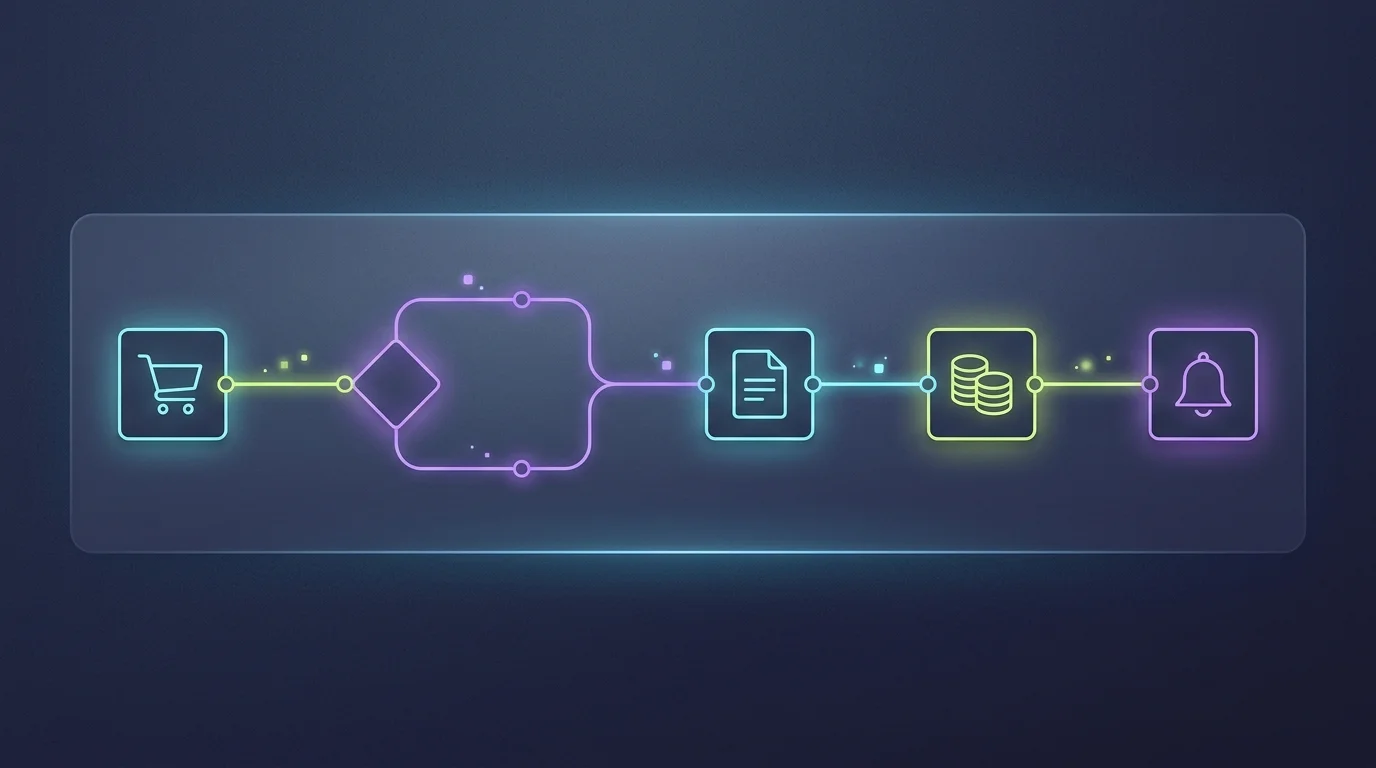
FluidGrids is a visual workflow automation and orchestration platform. You describe what should happen — "when a Stripe payment lands, enrich the customer in HubSpot, post to Slack, and push the numbers to a dashboard" — by dragging nodes onto a canvas and wiring them together. FluidGrids turns that picture into a versioned, executable workflow that runs in the background, with per-node logs, typed errors, retries, and a complete run history.
Build on a drag-and-drop visual canvas, then let FluidGrids run it reliably in the background on horizontally-scaled workers. Connect 60+ services — Slack, GitHub, Stripe, Salesforce, OpenAI, Anthropic, Google Workspace and more — plus sixteen built-in flow-control nodes. And because the entire builder ships as an embeddable React SDK, SaaS product teams can embed FluidGrids workflow automation inside their own product in days instead of quarters.
FluidGrids is workspace-scoped: every workflow, run, connection, and credential belongs to a workspace, so multi-tenancy, RBAC, billing, audit, and notifications are built in from day one — inherited from the Burdenoff platform rather than bolted on. Most automation tools force a choice between simple-but-shallow and powerful-but-developer-only; FluidGrids sits in the middle and adds a third dimension no competitor leads with: it is a product and an embeddable component at the same time.
Explore the capabilities
Click through what FluidGrids does — each built and shipping inside the product.

And more
Per-node observability
Live, color-coded logs on the canvas during execution; an executions list and detail view with per-node drill-down into inputs, outputs, errors, and execution time. Worker health endpoints and Prometheus metrics included.
Surgical recovery
Typed errors distinguish a bad credential from a downstream 500 from a validation error. Cancel a run, resume a paused run, or retry a single failed node with its original inputs — no full re-run.
Versioning and lifecycle
Every structural save can mint an immutable version under a stable workflow key. Publish, activate (which arms schedules), deactivate, duplicate, and restore any previous version into a fresh draft — rollback without losing history.
Connections and secure credentials
OAuth or API-key connections managed through the integrations layer and selected inside node config. Nodes reference connections by id via credential adapters; secrets are resolved server-side at run time and never serialized into a workflow.
AI sub-node pattern
AI nodes compose: an AI Agent node accepts sub-node adapters — chat models (OpenAI/Anthropic/Ollama), memory buffers, and tools (calculator, code, HTTP, even other workflows). An agent with tools is just another node on the canvas.
Datasink pipelines to live dashboards
Append the BigConsole data sink node to any workflow to push keyed output into BigConsole. Schedule-triggered extracts plus in-flow transforms turn any workflow into an ETL pipeline behind a live dashboard — ETL without an ETL team.
How it works
Draw and save
Build on the visual canvas — drag a trigger, connector, and internal nodes, then wire them. Saving serializes nodes and edges and mints a versioned workflow definition.
Trigger
An API call, webhook, schedule tick, or chat message creates a workflow run and queues a background job.
Execute in the background
A worker picks up the job, loads the pinned definition version, and walks the graph node by node — internal nodes run in-process; connector nodes call their own service endpoint with credentials resolved through adapters; edge mappings transform data between nodes.
Fan out and complete
Parallel branches run concurrently and reconverge at merge nodes. When every reachable node settles, the run is marked completed (or failed with a typed error), and events fire for notifications and usage metering.
Observe and recover
Watch per-node logs in the executions view. When a node fails, open the detail, fix the config, and retry that single node — or restore a previous version into a draft and re-activate; schedules re-arm automatically.
Who it's for
Real workflows FluidGrids is built to support.
Operations & automation leads
Mid-market teams replacing spreadsheet-and-email glue and brittle scripts with governed, observable automations they can read and trust.

SaaS product teams
Teams embedding FluidGrids workflow automation in their own product via the SDK instead of building an engine, canvas, and connector catalog in-house.

Digital agencies & consultants
Builders operating client automations at scale — one workspace per client, a shared template library, and read-only embedded views handed back to clients.

Enterprise process owners
Finance, HR, customer-service, and IT teams orchestrating cross-system processes with RBAC, audit, and version rollback baked in.
Frequently asked questions
Both. Operators build visually on the canvas; engineers extend it with custom connector nodes, code nodes (JS/Python), sub-workflows, and full API access. It's one canvas readable by both.
Yes — that's the headline differentiator. The FluidGrids frontend SDK ships the same builder that powers the FluidGrids app. Embed a single workflow builder, a full module root, or bring your own API client, with configurable chrome, light and dark themes, and token-minted auth scoped to a workspace. FluidGrids is offered under its own name — there is no white-label or rebranded edition.
The executor classifies failures with typed errors so you can tell a bad credential from a downstream 500 from a validation error. You can retry the single failed node with its original inputs, resume a paused run, or restore a previous version — no full re-run, and notifications fire on failure.
Append the BigConsole data sink node to any workflow and it pushes keyed output into BigConsole, where parsers and widgets turn it into live KPIs, tables, and charts. A schedule-triggered workflow becomes a live dashboard feed — ETL without an ETL team.
Auth and RBAC are enforced at the API gateway; backend services never see raw tokens. Node configs reference connections by id, and secrets are resolved server-side at execution time — never serialized into a workflow. Code and edge mappings run in a locked-down sandbox screened against blocked identifiers.
Yes. Our team audits your existing automations, re-architects them as versioned, observable FluidGrids workflows, migrates connections and credentials through secure adapters, and runs parity testing with a staged cutover so nothing silently breaks.
Explore the rest of the suite
FluidGrids works on its own — or as part of one AI-native stack.
Ready to try FluidGrids?
Visit the product website to get started, or talk to our team about deploying it inside your organization.