Work That Moves Itself · People take the odd cases

Stop carrying the work. Let each step start the next.

Process automation means seeing how work really moves, cutting the wasted trips, and then linking the steps so each one starts the next, while people take the odd cases and keep watch.

Follow one order

Who’s who in the story

In our story, Hana’s toy workshop is your business, and the toy orders are your customers’ requests. Zippy running up and down the stairs is your team carrying work from desk to desk. The glitter trail is the record your apps keep. The marble run is the linked-up process, and the signs at the forks are your business rules. The wind-up crabs are software helpers that press buttons on screens. Duchess the octopus is an AI helper that sorts odd orders onto the routes Hana built (the story calls them paths). The jack-in-the-box is the call for a person.

The loops on the trail

Stuck: a slip left on the stairs

What happens
The slip falls on stair nine. Downstairs, the paint bench has nothing to start on, and the customer waits.
Why it probably happens
The only record of the order rides on a mouse’s cap.
Once it is snipped
The slip rides with the order, so the next step knows to start.

Roll a marble down this route

  1. The marble follows every loop: the same mess, now on autopilot.

An illustration of one made-up order, not a measurement.

The route, step by step

  1. The order comes in at the window
  2. Up the stairs to Hana in the loft
  3. The slip waits on stair nine until someone finds it
  4. Down to the paint bench
  5. Back up the stairs to ask which colour, and down again
  6. Back up the stairs with the customer’s change, and down again
  7. To the box table
  8. Down the chute and out of the door
  • Back up: the customer changed the order. What happens: The order goes up to the loft, down to paint, then back up because the customer changed it. Why it probably happens: Changes arrive by word of mouth, so someone runs them upstairs. Once it is snipped: Changes now join the order where it is, so nobody runs them upstairs.
  • Stuck: a slip left on the stairs. What happens: The slip falls on stair nine. Downstairs, the paint bench has nothing to start on, and the customer waits. Why it probably happens: The only record of the order rides on a mouse’s cap. Once it is snipped: The slip rides with the order, so the next step knows to start.
  • Up again: which colour?. What happens: Halfway through, someone climbs back up to ask which colour. Why it probably happens: The answer lives in one person’s head. Once it is snipped: The colour is on the slip from the start.
  • Steps the trail can’t see. A phone call to the customer leaves no glitter, so we ask the people who make the calls.

Watch · 2 min 22 sec

Work That Moves Itself, with people on the odd cases: process automation in plain words

Zippy the mouse runs every toy order up and down the stairs, and one slip gets left on stair nine. A short story about a marble run where each step starts the next, and the odd orders still reach a person.

Read the story instead
  1. NarratorWhy does one teddy take nine trips upstairs?
  2. ZippyTen. I counted.
  3. NarratorZippy runs every order up to Hana, then down to paint, and waits.
  4. HanaCustomer changed the order. Again!
  5. NarratorSomeone orders a toy yak. Its slip? Left on stair nine.
  6. NarratorStop carrying the work. Build a marble run, where each step starts the next.
  7. NarratorYour orders, bills and forms can move like that. That’s process automation.
  8. On screenWorkshop word: process or workflow automation
  9. NarratorHana sprinkles glitter on Zippy’s paws. The trail shows the real route, every back-and-forth loop.
  10. ZippyI’m sparkly now.
  11. NarratorYour apps keep a trail like this too. Phone calls don’t, so ask people.
  12. On screenWorkshop word: process mining
  13. NarratorHer first marble run follows every loop.
  14. ZippyTen trips. Again.
  15. NarratorPut a mess on autopilot, and it repeats the mess. Snip the loops.
  16. NarratorNow a marble drops, a domino tips, a gear turns.
  17. ZippyHuh. Show-off.
  18. NarratorStuck? A jack-in-the-box pops up, and a person helps.
  19. NarratorAt each fork, a sign says which way. Rules change? Change the sign, not the whole run.
  20. NarratorWind-up crabs press the paint machine’s buttons. Hana moves the machine, so they press the yak.
  21. ZippyNot the yak!
  22. NarratorComputer helpers click through screens the same way. Move a button, and they get lost, so someone keeps watch.
  23. On screenWorkshop word: robotic process automation (RPA)
  24. NarratorSomeone orders a barking kite. No sign covers that.
  25. NarratorDuchess, an AI octopus, sorts odd ones onto Hana’s paths only. She notes why, in case she’s wrong.
  26. NarratorA life-size unicorn? No path fits, so Hana’s jack-in-the-box pops up.
  27. HanaRight. Glue gun.
  28. On screenNo path fits? A person takes it.
  29. On screenWorkshop word: exception handling
  30. NarratorToys slide down the chute. Zippy just waves them off.
  31. ZippyZero stair trips. I counted.
  32. NarratorAlgoshred works the way Hana did. We see how your work really moves and ask the people doing it. Then we cut wasted trips, link the steps, and keep watch.
  33. NarratorHow many stair trips does your work take? Visit algoshred.com, or write to contact@algoshred.com.

The idea in plain words

Four ideas, one marble run

Each one in everyday words first, then the name experts use for it.

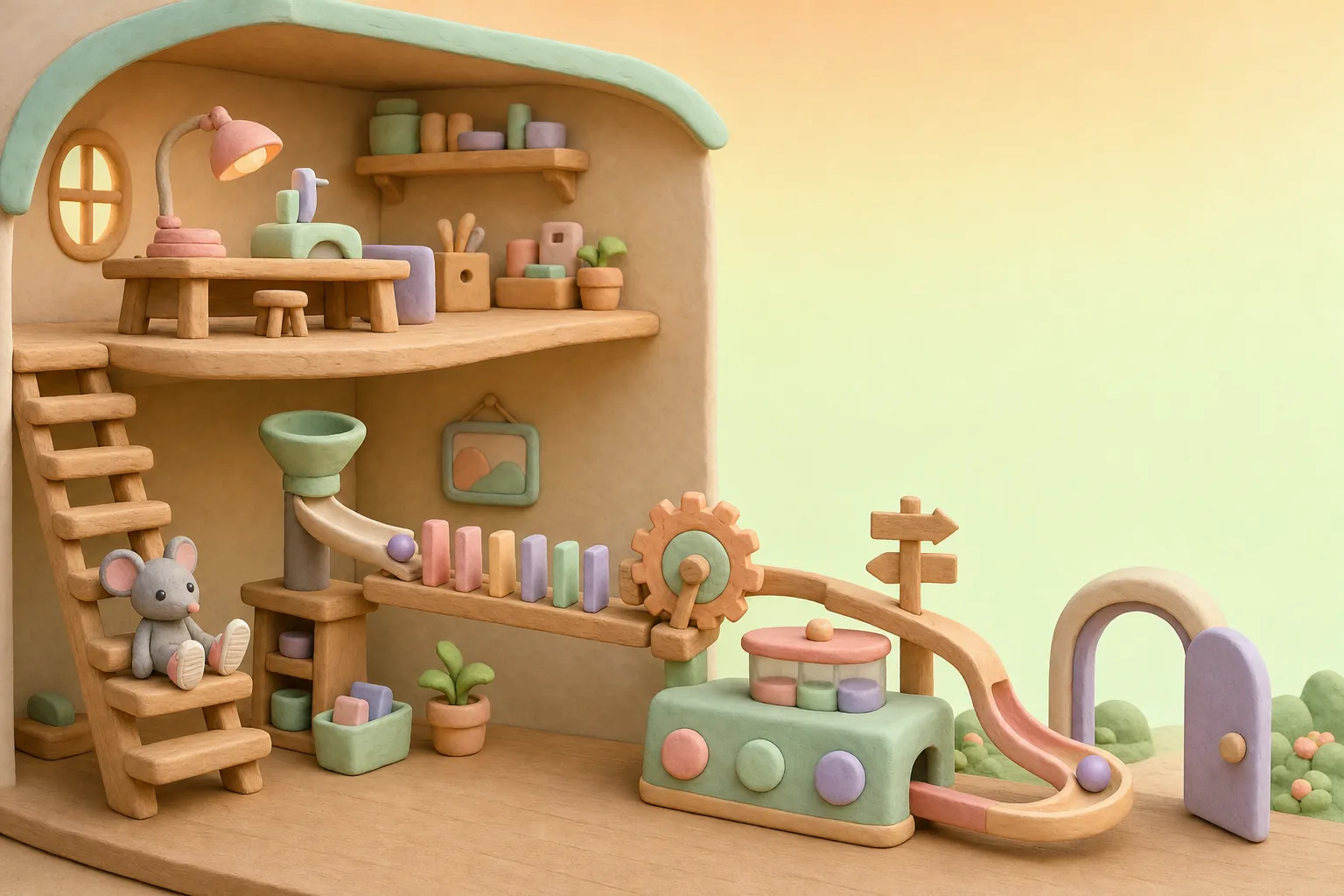
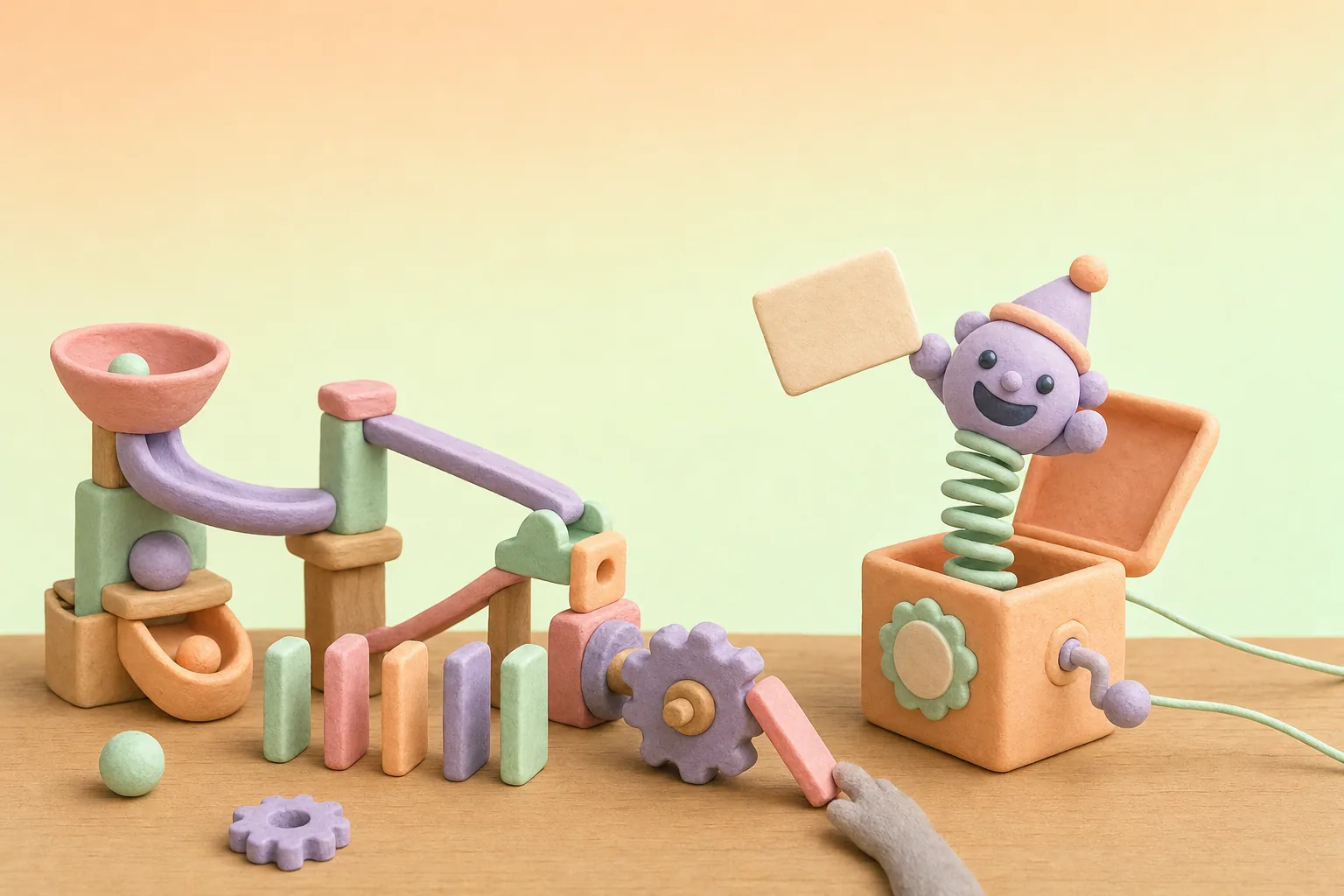
A clay toy workshop where a short marble run links each step, from a funnel to a chute out of the door, while a mouse rests on the stairs

Stop carrying the work. Let it roll.

  1. 01

    See the real route first

    Follow one real request from start to finish. The trail shows back-and-forth loops the plan on the wall leaves out.

    Experts call this: process mining (reading the trail your apps keep), process discovery (finding the real route)

    Worth knowing: Trails show only what your software records; we also ask the people who do the work. Put a mess on autopilot, and it repeats the mess, so we fix the route first.

    See the steps the trail can’t see
  2. 02

    Each step starts the next

    Once the loops are snipped, the steps are linked, people included, so work passes itself along and you can see where each request is. If a step sticks, it calls a person.

    Experts call this: workflow automation, process orchestration (one system passing work between steps and people)

    Worth knowing: Someone on your team still owns the run and takes what sticks.

    See what happens when a step sticks
  3. 03

    Rules on signs, little helpers on the buttons

    House rules sit on a sign anyone can read and change, without rebuilding the run. Little software helpers press the same buttons on screens, the same way.

    Experts call this: business rules, decision tables, robotic process automation (RPA)

    Worth knowing: A new sign gets a quick check before the rush, and a helper needs looking after when a screen moves.

    See a sign change, tested first
  4. 04

    Odd ones go to a sorter, or to a person

    For orders no sign covers, an AI helper can pick a route, but only from routes you built, and it notes why. If no route fits, a person takes it.

    Experts call this: exception handling, agentic automation (AI helpers that choose a next step), human in the loop (a person decides when the helper can’t)

    Worth knowing: The sorter can be wrong, which is why it keeps to your routes and leaves a note.

    See who routes an odd order

See the difference

Carry it, or let it roll?

One order, five steps. Pick how it moves, make something stick, and drop the marble.

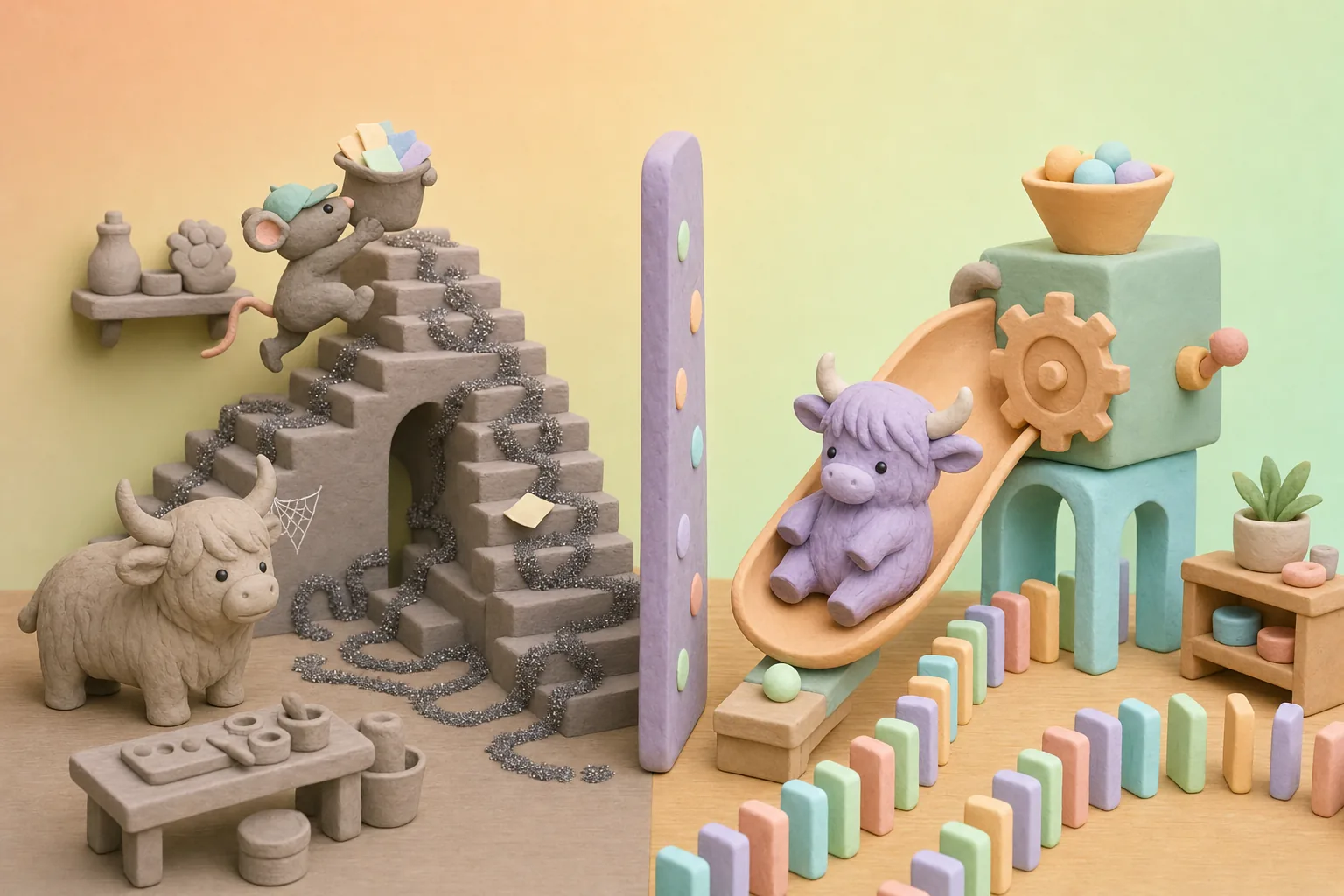
A tangled glitter trail of trips up and down the stairs and a waiting unpainted toy yak, beside the same room linked by a short marble run
Carried up and down the stairsLinked, so each step starts the next
Make something stick

Where is the order?

Nobody knows without asking

  1. The order comes in
  2. Hana draws ita person’s step
  3. The crabs press the paint buttons
  4. The sign picks a box
  5. Down the chute

Zippy carries it · A slip falls on the stairs

The slip lies on stair nine. The paint bench has nothing to start on, and the customer taps on the window.

What happens to one order, carried or linked, for each thing that sticks
Make something stickZippy carries itEach step starts the next
Nothing sticksZippy runs the order up, down and back again. It gets there, after a lot of stairs.Each step starts the next, and the board shows where the order is.
The paint runs outZippy waits at the paint bench, and the next orders pile up on the stairs. Nobody upstairs knows.The paint step tries again. Still stuck, so the jack-in-the-box pops up, a person tops up the paint, and the board shows which step is waiting.
Someone moves a buttonZippy has to run upstairs to ask where the paint button went, and the order waits.The crab helpers press where the button used to be and get lost. The paint step doesn’t finish, so the jack-in-the-box pops up, and the person keeping watch shows them the new spot.
A slip falls on the stairsThe slip lies on stair nine. The paint bench has nothing to start on, and the customer taps on the window.There are no stairs to drop it on: the slip rides the run with the order, and the board shows where it is.

Worth knowing: A linked run still needs an owner who watches it and fixes what it can’t.

Worth knowing: Click-through helpers get lost when a screen changes, so someone has to look after them.

Who routes it?

A sign, a sorter, or a person?

Pick an order. Ordinary ones follow the signs. Odd ones go to Duchess, the story’s AI sorting helper, who picks only from Hana’s paths (the routes she built). If no path fits, a person takes it.

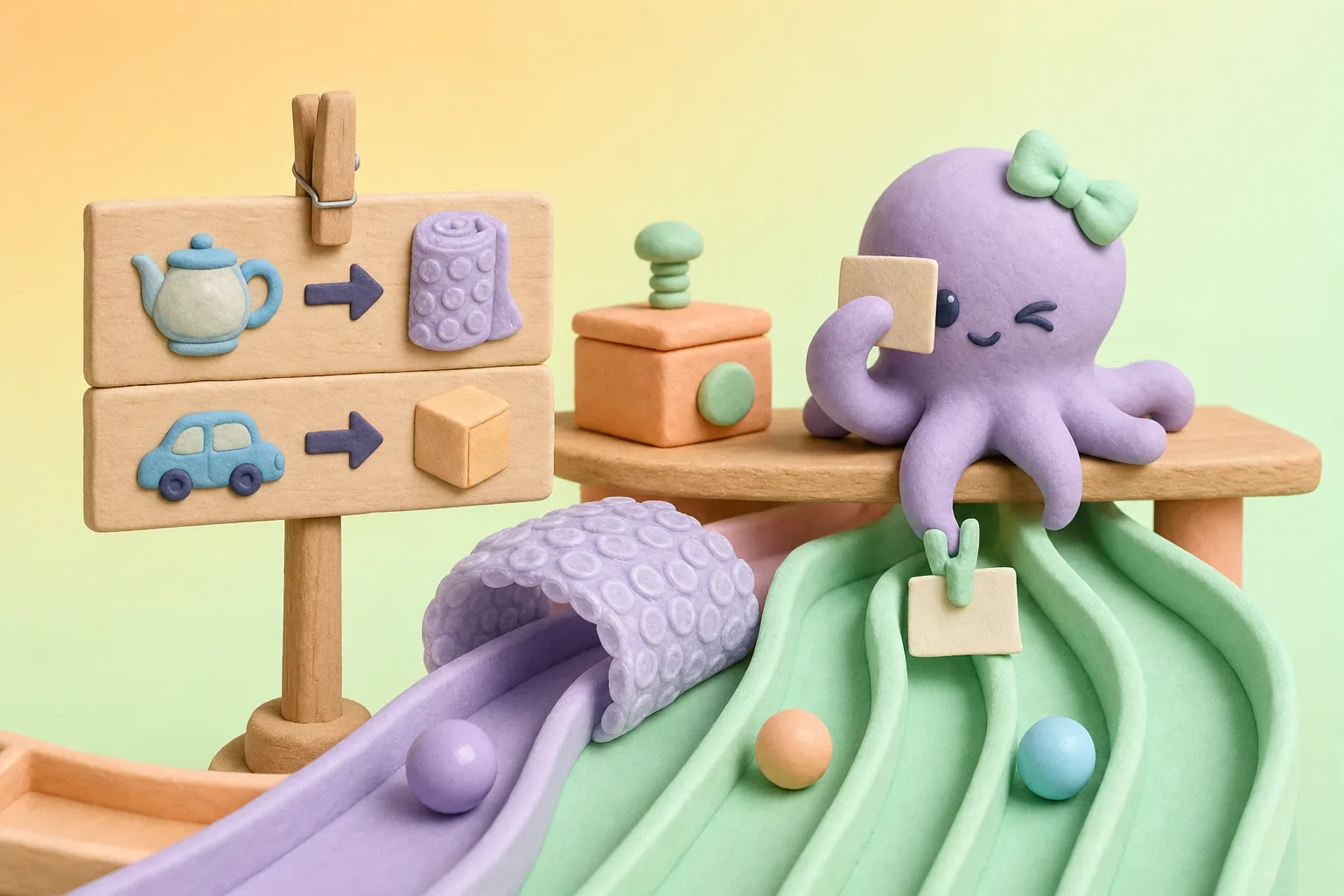
A pegged wooden sign at a marble-run fork, and a clay octopus squinting at an odd order slip while she pins a note to a marble
Pick an order

The sign at the fork

  • Fragile → bubble wrap
  • Wooden → small box
Change the sign first

Duchess, the octopus in our story, stands in for an AI helper: a sorting step that picks only from routes you set, and notes why.

Who routes it

Duchess, an AI sorting helper

Where it goes
The soft-toy path
Why
Her note says: it barks like the toy dogs, so it goes their way. She can be wrong, so the note shows why.

Who routes each order, before and after the sign changes
Pick an orderWho routes itWhere it goesWhyAfter the sign changes
A glass teapotThe signBubble wrapThe sign says: fragile goes in bubble wrap.Duchess, an AI sorting helper. The wooden-toy path, with no bubble wrap. The fragile row is gone and no row covers glass now, so it slips through to Duchess. She picks the wooden-toy path, and her note says: no glass row, nearest match was wooden. The note shows why, but the teapot goes unwrapped. That’s why a sign change gets a quick test.
A wooden carThe signSmall boxThe sign says: wooden goes in a small box.The sign. Small box. The sign says: wooden goes in a small box.
A barking kiteDuchess, an AI sorting helperThe soft-toy pathHer note says: it barks like the toy dogs, so it goes their way. She can be wrong, so the note shows why.Duchess, an AI sorting helper. The soft-toy path. Her note says: it barks like the toy dogs, so it goes their way. She can be wrong, so the note shows why.
A life-size unicornA person: HanaHana’s benchNo row and no path fits a life-size unicorn, so the jack-in-the-box pops up and Hana builds it herself.A person: Hana. Hana’s bench. No row and no path fits a life-size unicorn, so the jack-in-the-box pops up and Hana builds it herself.

The sign at the fork: Fragile → bubble wrap, Wooden → small box. After the sign changes: Metal → tin box, Wooden → small box. Before the rush, test the new sign with one marble. The test marble was a glass teapot, and it slipped past the sign. So Hana puts the fragile row back before the rush. The run didn’t change, only the sign. Fragile → bubble wrap, Metal → tin box, Wooden → small box.

Worth knowing: Rule changes still need a second pair of eyes and a quick test.

Worth knowing: A sorting step can be wrong, so it picks only from routes you set, notes why, and sends anything that fits no route to a person.

Sounds familiar?

The signs your team is carrying the work

If any of these ring true, your work probably takes more stair trips than it needs to.

  • “Someone has to carry each request from desk to desk, or inbox to inbox.”
  • “Nobody can say where a request is without asking around.”
  • “The same details get typed into two or three systems.”
  • “Work goes back and forth for fixes, and nobody has counted the loops.”
  • “Software that clicks through screens for someone can break when a screen changes.”
  • “Odd requests sit in someone’s inbox because no step knows what to do with them.”

A quick self-check

Seven plain questions. Answer what you can, and we’ll point to where we’d look first.

01Could someone new follow how one request moves through your team, start to finish, without asking around?
02When a task goes back and forth for fixes (re-checks, re-asks, re-typing), has anyone tried to remove that loop?
03Can you tell where a given request is right now, without asking someone?
04Are details typed in once, rather than into two or three systems?
05Could a business owner read and change the rules for where each request goes, without rebuilding anything?
06When a screen changes, does someone notice quickly if a software helper gets lost?
07Do odd requests have a clear path to a person, rather than waiting in someone’s inbox?

Where we’d look first

Answer any question and the places we’d look first appear here.

Talk it through

Answer “No” or “Not sure” to any question to email the list.

Nothing is stored or sent unless you choose to email it.

What we help with

From following one request to a run your team keeps watch on

Eight pieces of work. Start with one request, or link them into one route.

See the work

Where work really goes, and what to fix first.

Follow one request from start to finish

A map of the real route, its loops and waits, and which to fix first.

We follow a real request through your apps and talk to the people who handle it, using the trail your software keeps where there is one, and watching desk-level clicks only with consent.

Experts call this: process discovery (finding the real route), process mining (reading the trail your apps keep), task mining (recording on-screen clicks, with consent)
Snip the loops before automating

A simpler route that is worth linking up.

Cut needless steps, back-and-forth, and passing work between people for no reason, and agree who owns each step and what “done” means.

Experts call this: process redesign

Also in this area

  • Following real requests end to end
  • Reading the records your apps keep, to see the real route (process mining)
  • Watching on-screen clicks at a desk, only with consent (task mining)
  • Finding loops, waits and redone work
  • Snipping loops before automating

Link the steps

Work that passes itself along, people included.

Let each step start the next

Work stops being carried from desk to desk, and you can see where each request is.

Link the steps across your apps and people, so work passes itself along, waits when it should, tries a stuck step again and calls a person when it stays stuck.

Experts call this: workflow orchestration, BPMN (process diagrams a computer can run), durable execution (work that picks up where it stopped after a crash)

Also in this area

  • Linking the steps across apps and people (workflow orchestration)
  • Links between apps, so details are typed once
  • Work that picks up again after a failure, with retries and a call for a person
  • Trays where odd work waits for a person, with the reason attached

Rules and helpers

Rules people can read, helpers on the boring buttons.

Put the rules on a sign people can read

One rule, applied the same way, that is easier to change.

Take routing rules out of people’s heads and buried code, and write them as tables the business can read, test and change.

Experts call this: business rules, decision tables, DMN (a standard format for decision tables)

Little helpers for repeated clicks, with an owner

Fewer details typed twice, and helpers someone looks after.

Software helpers for the same clicks on the same screens, mainly for older systems with no other way in, plus a check-up of helpers that keep breaking.

Experts call this: robotic process automation (RPA), bot maintenance (keeping the helpers working)

Reading forms, invoices and emails into the right boxes

Less typing by hand, with a person on the doubtful ones.

Pulling the right details out of documents into the right fields, with a person checking the ones the helper is unsure about.

Experts call this: intelligent document processing

Also in this area

  • Business rules as readable decision tables, tested before they go live
  • Software helpers (RPA) for repeated clicks on older systems
  • Reading forms, invoices and emails into fields

Odd cases and keeping watch

AI only where it helps, and a person watching.

AI helpers for odd cases, on your routes only

AI used where it helps, with people deciding the rest.

AI helpers that sort unusual requests onto routes you built, note why, keep a record, and pass anything that fits no route, or anything you choose, to a person.

Experts call this: agentic automation (AI helpers that choose a next step), human in the loop (a person decides when the helper can’t), guardrails (limits on what the helper may do), MCP (a common plug between AI helpers and tools)

A view of where work waits, and someone keeping watch

You can see whether it is getting smoother, in your own numbers.

One view of where each request is and where it waits, a few plain measures agreed with you, and a few people in your own team, trained by us, who look after the helpers and pick the next loop to snip.

Experts call this: process monitoring, automation centre of excellence (a small in-house team that owns the helpers)

Also in this area

  • AI helpers for odd cases, on your routes, with notes of why
  • Letting AI helpers use only the tools you allow (MCP, a common plug between AI helpers and tools)
  • A view of where each request is, with measures agreed with you
  • Owners, standards and training for your own team

For your technical team: we can work with common tools such as Camunda, Temporal, Apache Airflow, n8n, Power Automate, UiPath, Automation Anywhere, Celonis and the workflow features inside your business software.

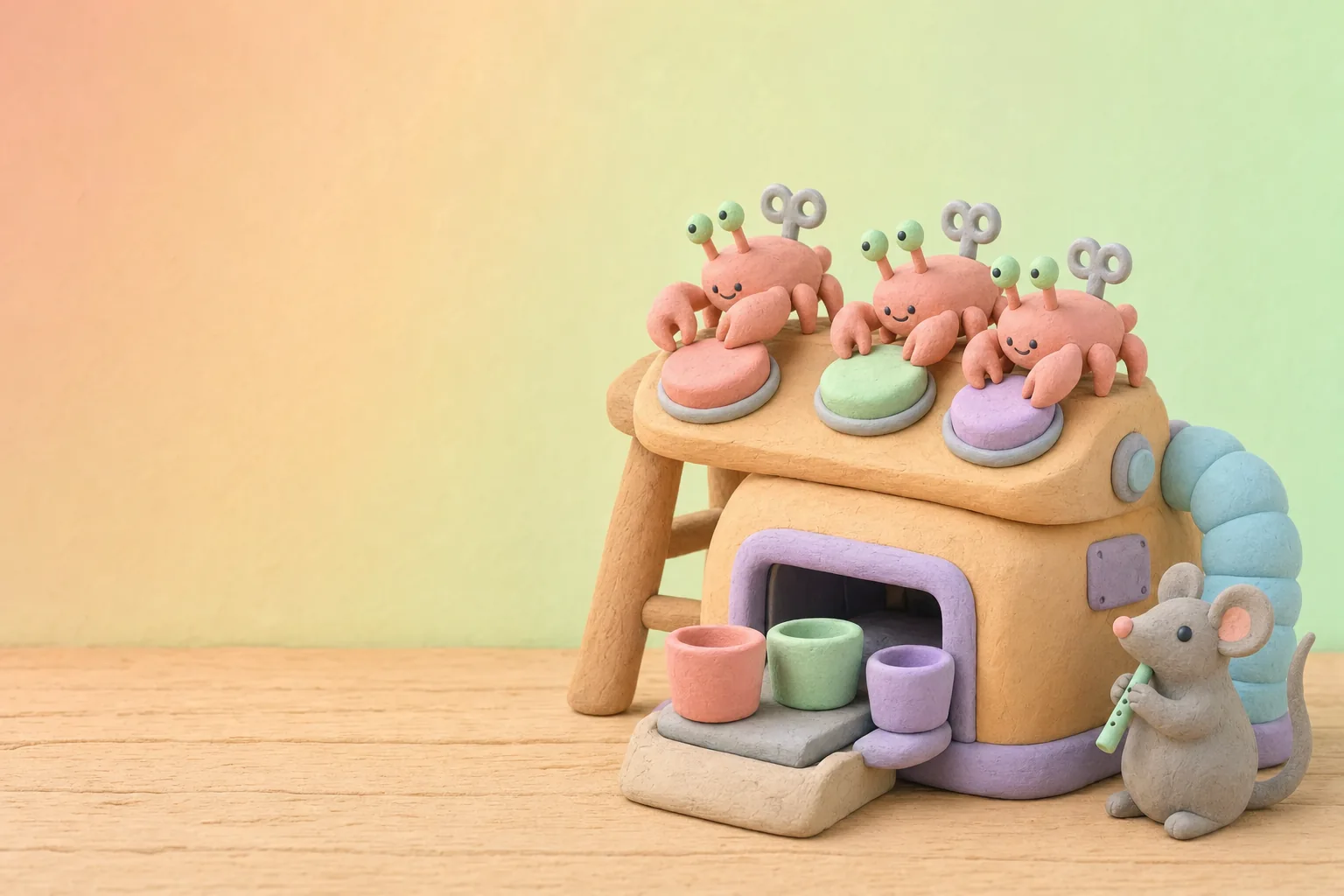
Three wind-up clay crabs pressing the big round buttons of a paint machine while a mouse with a whistle keeps watch

Ways to start

Follow one request

A walk-through of one real request, start to finish, and a map of the loops we find.

Snip one loop

Fix and link one painful spot where work passes between people, with one team.

Helper check-up

Look at software helpers that keep breaking, and decide with you whether to fix, replace or retire each one.

Ask us to follow one request

How we work

See the route first, then link the steps

Five steps in plain words, from following one request to keeping watch.

  1. See

    See the real route

    We follow one real request through your apps, using the trail your software keeps, and mark the loops and waits we find.

  2. Ask

    Ask the people doing it

    Phone calls and paper leave no trail, so we sit with the people who do the work and add the steps only they know about.

  3. Cut

    Cut wasted trips

    We agree with you which loops, and which needless passing of work between people, to snip first, so the route we link doesn’t carry the worst loops with it.

  4. Link

    Link the steps

    We link the steps for one team and one kind of request, with rules on readable signs, helpers on the boring buttons and a person on the odd cases. Experts call this a pilot (a first small try).

  5. Watch

    Keep watch

    We set up a plain view of where work waits and hand over the know-how, so your team can look after the helpers, test rule changes and pick the next loop to snip.

What you get along the way

  • A map of one real request, start to finish, with the loops marked
  • A short list of loops to snip first, agreed with you
  • One linked route for one team, with a person on the odd cases
  • Routing rules written as a table your team can read and change
  • A plain view of where each request is waiting
  • Hand-over sessions for the people who will own and watch it
A stuck domino in a marble run and a jack-in-the-box popping up to call for help, while a mouse’s paw nudges the domino

Where it fits

Where it becomes real

Illustrative examples, not customer stories: the kind of work this approach suits.

Retail and e-commerce
For example, a return that goes up and down three desks could become one route: returns that fit the rules move on, and odd ones reach a person with a note.
Finance teams
For example, invoices that match the order could pass straight through, and the ones that don’t could wait in a tray for a person, with the reason attached.
Insurance
For example, usual claims could follow the same checks, and unusual ones could reach a claims handler with what the sorting step noticed and why.
HR and onboarding
For example, one start date could set off accounts, equipment and training, and the manager can see what is done and what is waiting.
Manufacturing
For example, a quality hold could call the right person and pause the right batch, instead of starting an email chain.
Customer service
For example, repeated requests could get the same answer through the same steps, and anything unusual could go to a person with the history in front of them.

Good to know

Questions we are often asked

Plain answers to what owners and tech leads ask first. Something else on your mind?

Ask us directly

What is process automation, in plain words?

Seeing how work really moves, cutting the wasted trips, and linking the steps so each one starts the next. People take the odd cases and keep watch.

Is it the same as RPA (software robots)?

No. RPA is one kind of helper: software that clicks through screens the way a person would. Process automation is the whole route: finding it, fixing it, linking it, and picking the right helper for each step, including a person.

Will it replace our people?

That isn’t the aim. It takes the boring, repeated button-pressing; people keep the odd cases, the judgement calls and the job of keeping watch.

Do we need to buy a big platform?

Not to start. A first fix can be removing a step rather than adding software, and we begin with the tools you already have. Start with the simplest thing that works.

Where do AI helpers fit, and how do you keep them in check?

Only on the odd cases, where fixed steps fall short. They choose only from routes you set, note why they chose, and send anything that fits no route to a person. They can still be wrong, which is why the note and the person are there.

What happens when a step gets stuck?

The run is built to notice: it can try the step again, and if it is still stuck, it calls a person and shows where the work is waiting. Helpers that click through screens also need someone looking after them.

How will we know it is working?

We agree a few plain measures with you at the start, such as how long a request waits and how often it goes back for fixes. The numbers are yours, so you can judge it for yourself.

How long does it take?

It depends on the work. We start by following one request, then agree the next step together.

Heard it before?

Myths, answered

Myth: “Just automate what we do today.”

Answer: Linked up as it is, a messy route just repeats its mess. Follow the route first, snip the loops, then link the steps.

Myth: “We already know how our work moves.”

Answer: The trail can show loops nobody planned. It shows only what your apps record, so we also ask the people who do the work.

Myth: “Once a software helper is built, it looks after itself.”

Answer: It presses only what it was shown. Move a button, and it gets lost, so someone has to look after it.

Myth: “An AI helper can run the whole thing alone.”

Answer: Start with the simplest thing that works. Fixed steps suit work that follows the same rules. An AI helper takes only the odd cases, on routes you set, notes why, and passes anything that fits no route to a person.

Myth: “Automation means metal robots.”

Answer: The helpers here live inside your software. Nothing walks around, apart from the wind-up crabs in our story.

Myth: “Only big companies can do this.”

Answer: Small teams have loops too. Start with one request.