Systems That Talk · Agree once how your systems share details

Get your systems talking, so your people can stop retyping.

Integration means getting your separate work apps to pass details to each other by themselves, in a way each one understands, so people don’t have to copy the same thing from screen to screen.

Plugs or a knot?

Who’s who in the story

In our short film, four trains are your work apps: shop, stockroom, billing and delivery. The fifth, the partner’s line, is another company’s system. Auntie Saule’s parcel is an order. Mr. Feathers is anyone copying details between screens. The junction is all your apps together, and each line is one link between them. The plug is one agreed way for apps to ask each other for things (an API), the board is where news is announced once (events), and the shelf is where news waits until an app is ready (a message queue).

RETURNSSUPPLIERPARTNER’S LINESHOPSTOCKROOMBILLINGDELIVERYNO SHAREDBOARD YETRETURNSSUPPLIERPARTNERSHOPSTOCKROOMBILLINGDELIVERYNO SHAREDBOARD YET
How the apps connect

Wired: every new app needs a track to every other.

As each app joins: every app wired to every other

  • Returns joins. It needs its own track to every other app, and each one wants its own form.
  • The supplier joins. More tracks to every app, more forms, and the knot gets tighter.
  • The partner’s line joins. Another company, another set of tracks to everyone. Nobody can follow the knot now.

As each app joins: one agreed plug each, one shared board

  • Returns joins. It gets the same kind of plug and reads the one board. The others aren’t rewired to fit it.
  • The supplier joins. One more plug and one more row on the board. The others carry on.
  • The partner’s line joins through the same kind of plug. Another company, and the others still aren’t rewired to fit it.
What this means
  • Wired: every new app needs a track to every other.
  • Agreed: every new app needs one plug of the same kind.
people call the knot point-to-point linkspeople call the plug an API and the board events

Worth knowing: What each plug offers is agreed between the apps that use it, and helps only if both sides keep to it, so we add checks that test each side against the agreement. A new app still needs setting up and testing on its side, and the apps that want to use it still need setting up to ask it.

Worth knowing: A shared board is one more thing to look after. It needs an owner and a plan for when it is busy or down.

Watch · 2 min 3 sec

Systems That Talk: getting your work apps to share details

Auntie Saule turns ninety on Sunday, and her parcel rides five train lines that don’t talk to each other. A short story about one agreed plug and one shared board, so people can stop retyping.

Read the story instead
  1. NarratorAuntie Saule turns ninety on Sunday. Her parcel rides five train lines. [On screen: four trains, and a fifth in the distance, the PARTNER’S LINE: another company.]
  2. Mr. Feathers[A blue-iced cake box, his present for Auntie, under one wing] I’ve got a pen!
  3. NarratorEach train is a work app: shop, stockroom, billing, delivery. None of them talk.
  4. NarratorEach wants its own form, so Mr. Feathers retypes the address by hand.
  5. NarratorBy the third copy, Blue Lake is Blue Cake.
  6. GulnaraThat’s not a junction. That’s a knot.
  7. NarratorThe fix: make the trains talk, so people can stop retyping.
  8. NarratorRule one: every train gets the same agreed plug.
  9. NarratorRule two: news, like a new order, goes up once, on one shared board.
  10. NarratorThrough the plug, trains can ask each other questions. A new train just gets a plug.
  11. NarratorAuntie’s order lands on the shop train. The board says so, once.
  12. NarratorStockroom, billing and delivery all hear it.
  13. Mr. FeathersWait. Nobody needs me?
  14. GulnaraYou can help. Stop writing.
  15. NarratorDelivery crew on a tea break? Auntie’s order waits on the shelf.
  16. NarratorStill stuck? Lost-and-found shelf, not the bin.
  17. NarratorSometimes the board rings twice. Delivery checks: already sent? Then it skips it.
  18. Mr. FeathersOne cake. Not two.
  19. NarratorEach team still runs its own app, its own way. They just share the one board.
  20. Mr. FeathersRip up the creaky old stockroom train?
  21. GulnaraKeep it. Give it the same plug. It can keep running.
  22. NarratorSunday morning. The board flips: Auntie Saule’s parcel, arrived.
  23. Mr. FeathersRight address! And... a blue cake!
  24. NarratorNext stop: Algoshred.
  25. NarratorWe trace how your systems pass details along. We help agree one plug, then connect them, line by line.
  26. NarratorStill copying by hand? Visit algoshred.com, or write to contact@algoshred.com.

The idea in plain words

Two rules, and what they make possible

Each idea in everyday words first, then the name experts use for it.

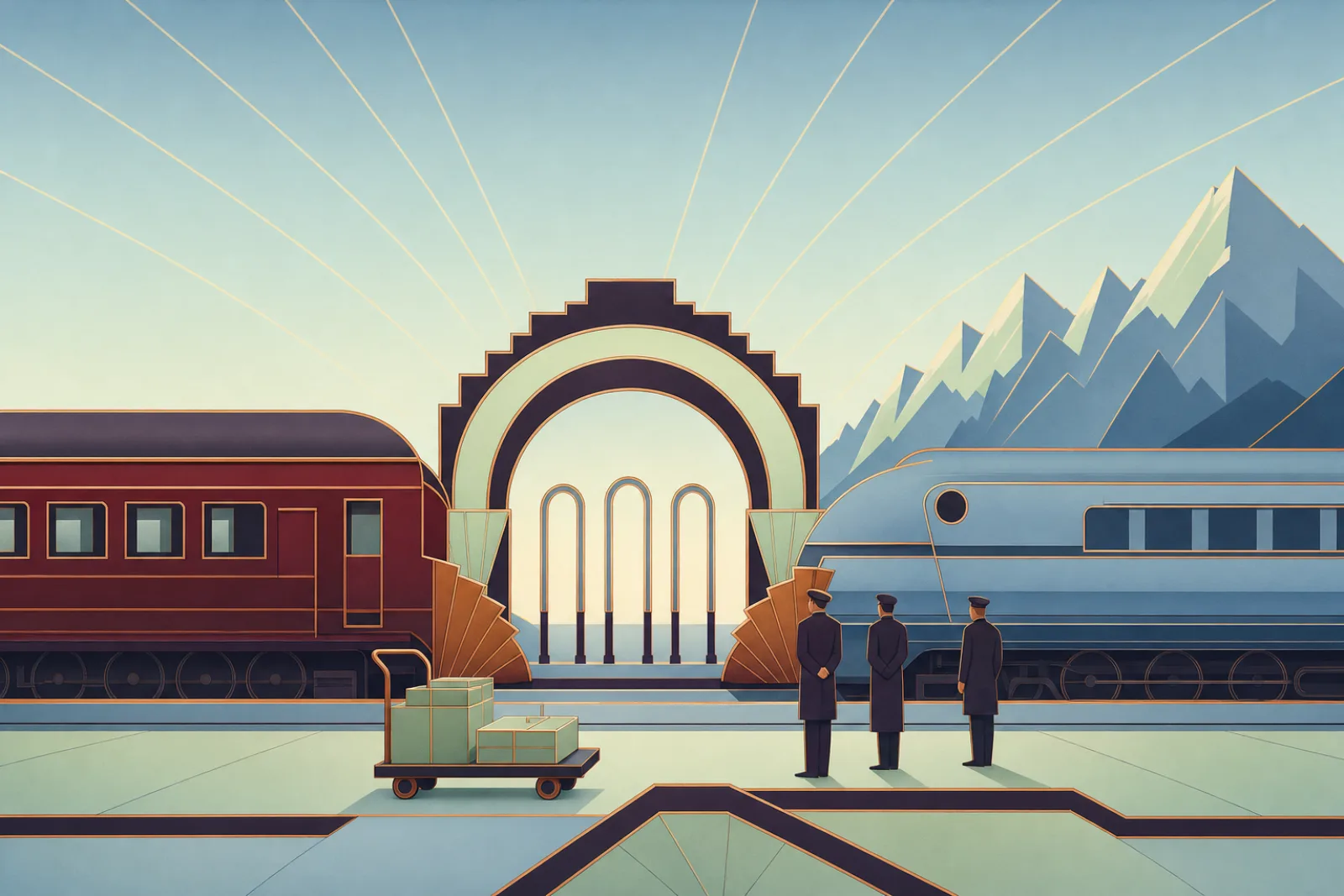
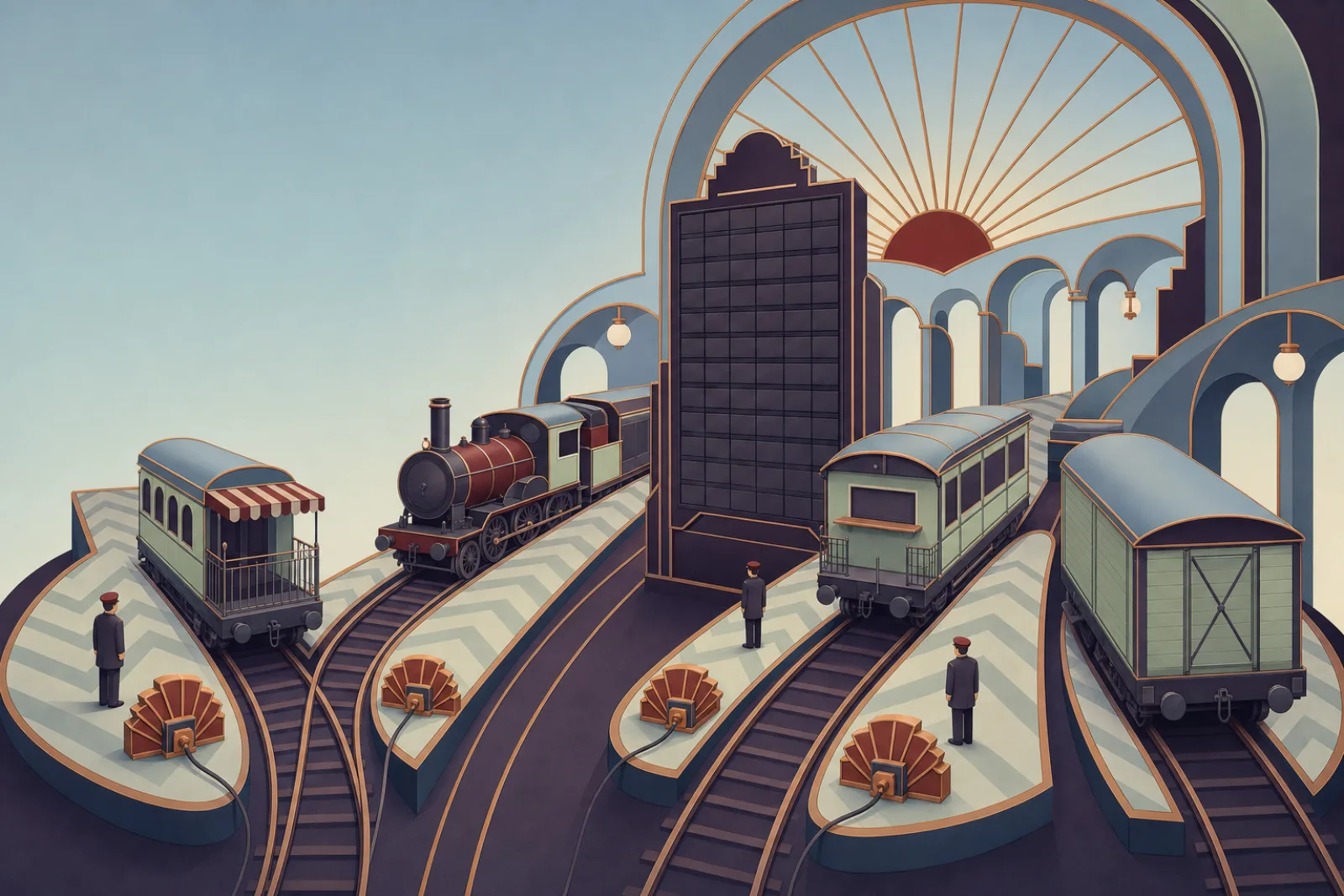
A railway junction where four different trains stand at platforms around one tall departure board, each plugged into the same copper socket

Say it once. Everyone who needs it can hear it.

  1. 01

    The same kind of plug for each app

    Each app gets the same kind of plug: one agreed, written way to ask it for things, saying how to ask and what it answers. The shop can ask the stockroom what’s left and get a reply. A new app gets a plug of its own, so the others aren’t rewired to fit it. In the film, “the same plug” means the same kind of plug: each app gets its own.

    Experts call this: APIs and API contracts

    Worth knowing: What each plug offers is agreed between the apps that use it, and helps only if both sides keep to it, so we add checks that test each side against the agreement. A new app still needs setting up and testing on its side, and the apps that want to use it still need setting up to ask it.

    See a new app join both ways
  2. 02

    Say it once, on one shared board

    When something happens, like a new order, it is announced once. Every app that needs it reads the board and gets on with its part; the others carry on.

    Experts call this: events, publish and subscribe

    Worth knowing: Apps that hear the news catch up shortly after, not all at the same moment. Announcements make it easy to add listeners and harder to follow one order from start to end, so we add a way to trace each one. A shared board is one more thing to look after. It needs an owner and a plan for when it is busy or down.

    See who hears the news, and what waits
  3. 03

    News waits, repeats get skipped

    If an app is busy, the news waits on its shelf until it’s ready. If the same news turns up twice, the app checks whether it already acted and skips the repeat. Stuck items go to a lost-and-found shelf, not the bin.

    Experts call this: message queues, dead-letter queues, safe repeats (idempotency)

    Worth knowing: A waiting shelf holds news until an app is ready and keeps stuck items on a lost-and-found shelf instead of dropping them. It can sometimes hand over the same news twice, so each app is set up to spot repeats, and someone still watches the lost-and-found shelf.

    See the shelf and the repeat check
  4. 04

    Each keeps its own app, and they understand each other

    Every team runs its own app its own way, and so can a partner company. They share the board, and details are written so both sides read them the same way.

    Experts call this: federation, interoperability, data mapping

    Worth knowing: A converter changes how details are written, not the facts. If details are wrong at the start, they arrive wrong, so we check them at the source too. Each team keeps its own system. A shared view (one screen where teams see the same order) shows only what each side agrees to share, and someone has to keep that agreement current.

    See a detail cross to another company

Who hears the news?

Carry a copy to each app, or say it once on the board

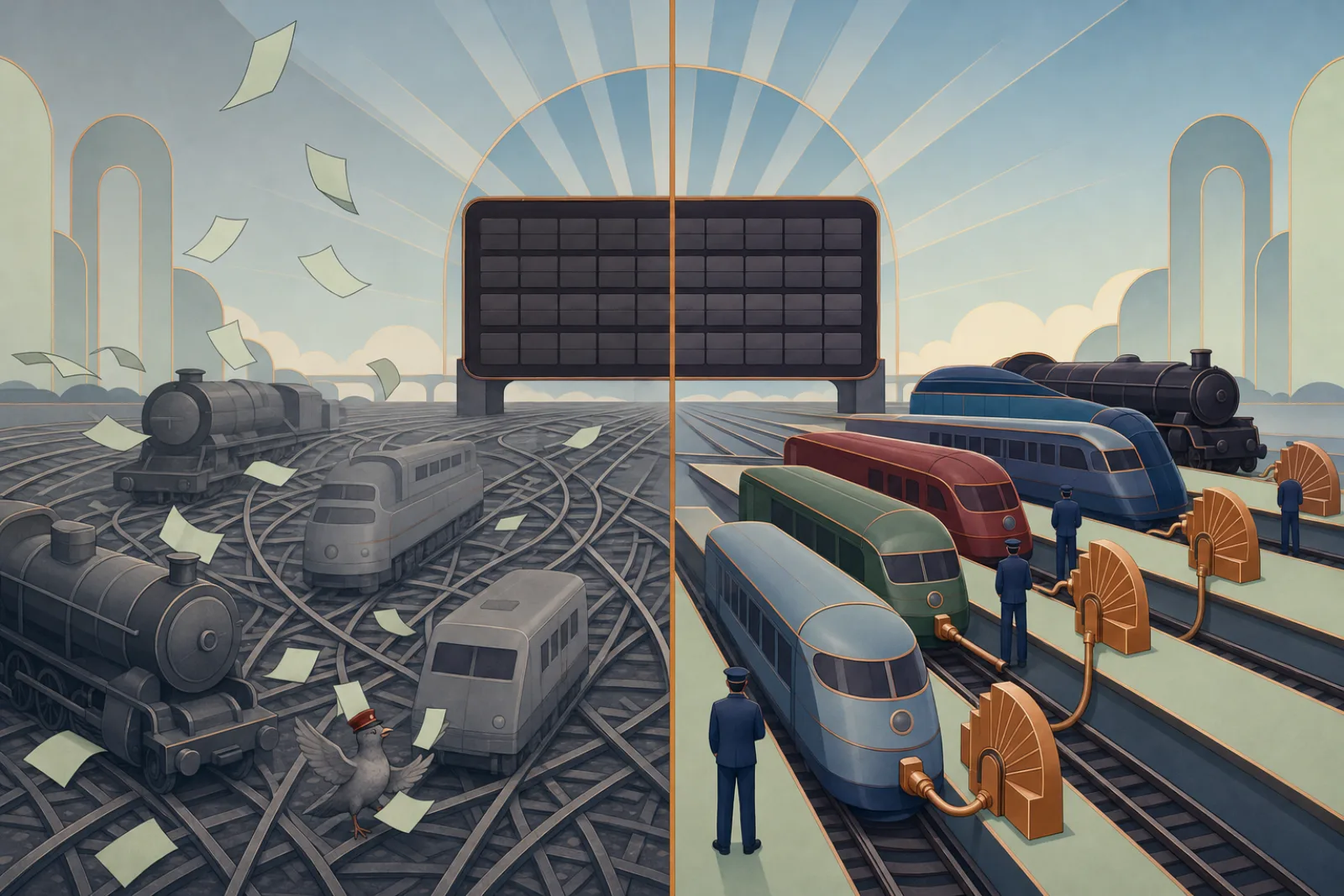
Pick a piece of news, then switch on a busy day. The left column is Mr. Feathers (anyone copying details between screens) with his forms; the right is the shared board.

A knot of tangled rails and flying paper forms, beside the same trains calm at plugged-in platforms facing one board
By handOn the board
What happened

A busy day

By hand

By the third copy, Blue Lake is Blue Cake.

Mr. Feathers copies the order onto a form for the stockroom, another for billing and another for delivery.

  • Shop

    Fills in a form for Mr. Feathers.

  • Stockroom

    Gets a copy, retyped.

  • Billing

    Gets a copy, retyped.

  • Delivery

    Gets a copy, retyped.

  • Off: Delivery crew on a tea break: Nobody at Delivery. The form is left on a bench and blows away.
  • Off: The board rings twice: Mr. Feathers copies it twice. Two parcels.
  • Off: A new app wants the news: Returns: One more form on Mr. Feathers’ round.

On the board

The board says ORDER IN

ORDER IN goes up once. The stockroom, billing and delivery read it and get on with their part.

  • Shop

    Says it once.

  • Stockroom

    Hears it and gets on with its part.

  • Billing

    Hears it and gets on with its part.

  • Delivery

    Hears it and gets on with its part.

  • Off: Delivery crew on a tea break: The news waits on Delivery’s shelf until the crew is back.
  • Off: The board rings twice: Delivery checks: already sent? Then it skips the repeat.
  • Off: A new app wants the news: Returns: Returns starts reading the board. The shop isn’t changed.

What experts call this
people call these eventsmessage queuepeople call this safe repeats (idempotency)lost-and-found shelf: a dead-letter queue

Worth knowing: Announcements make it easy to add listeners and harder to follow one order from start to end, so we add a way to trace each one.

Worth knowing: Apps that hear the news catch up shortly after, not all at the same moment.

Worth knowing: A waiting shelf holds news until an app is ready and keeps stuck items on a lost-and-found shelf instead of dropping them. It can sometimes hand over the same news twice, so each app is set up to spot repeats, and someone still watches the lost-and-found shelf.

Arrived, read, understood

A detail crosses to another company

Your shop sends one detail to the partner’s line. It passes three arches, and arriving is only the first. Pick a detail, then try it with a converter at the border.

An oxblood local train and a powder-blue mountain train meeting at an Art Deco border arch, with copper fittings at the arch
Which detail

Address: Lake House, Pier Street, Blue Lake (town last)

SHOPPARTNER’S LINESHOPPARTNER
  1. Did it arrive? yes
  2. Can they read it? yes
  3. Does it mean the same thing? no

Their system reads the first line as the town, so the van is booked to a town called Lake House.
Every detail, both ways

  • Delivery address. Converter off: each detail travels as we wrote it. Did it arrive? yes Can they read it? yes Does it mean the same thing? no Their system reads the first line as the town, so the van is booked to a town called Lake House. Converter on: each detail is rewritten the partner’s way at the border. Did it arrive? yes Can they read it? yes Does it mean the same thing? yes The converter puts the lines in their order. The van heads for the right town.
  • Customer name. Converter off: each detail travels as we wrote it. Did it arrive? yes Can they read it? yes Does it mean the same thing? no Their system puts the family name first, so the birthday card greets Auntie by the wrong name. Converter on: each detail is rewritten the partner’s way at the border. Did it arrive? yes Can they read it? yes Does it mean the same thing? yes The converter puts the names in their order. The card greets Auntie Saule.
  • Parcel weight. Converter off: each detail travels as we wrote it. Did it arrive? yes Can they read it? yes Does it mean the same thing? no We wrote kilos; they read pounds, and book a van that’s too small. Converter on: each detail is rewritten the partner’s way at the border. Did it arrive? yes Can they read it? yes Does it mean the same thing? yes The converter writes the weight in their units. The right van turns up.
  • An address typed wrong at the start. Converter off: each detail travels as we wrote it. Did it arrive? yes Can they read it? yes Does it mean the same thing? yes All three checks pass, and it is still wrong: Blue Cake arrives as Blue Cake. The mistake was made before it left. Converter on: each detail is rewritten the partner’s way at the border. Did it arrive? yes Can they read it? yes Does it mean the same thing? yes All three checks pass, and it is still wrong: Blue Cake arrives as Blue Cake. A converter changes how details are written, not the facts, so we check them at the source.
What experts call this
people call this interoperabilitydata mappinga shared data modelindustry standards for health records, payments and partner paperwork

Worth knowing: A converter changes how details are written, not the facts. If details are wrong at the start, they arrive wrong, so we check them at the source too.

Worth knowing: Each team keeps its own system. A shared view (one screen where teams see the same order) shows only what each side agrees to share, and someone has to keep that agreement current.

Sounds familiar?

Where retyping hides

If two or more of these ring true, your apps are leaning on people to carry details between them.

  • “We type the same order or address into more than one screen.”
  • “The website says it’s in stock; the stockroom says otherwise.”
  • “An order went missing while one system was down, and nobody noticed for a while.”
  • “A customer was charged twice, or a parcel went to an old address.”
  • “Adding one new tool means rewiring others, and something else breaks.”
  • “A partner wants to connect, and all we have is emails and spreadsheets.”

A quick self-check

Seven plain questions. Answer what you can, and we’ll point to where we’d look first.

01Is each order or address typed in once, rather than into several screens?
02When an order comes in, do the apps that need it hear about it without someone passing it on?
03If one app is down for a while, does news for it wait somewhere instead of being dropped?
04If the same news arrives twice, does the app spot it and act once?
05Can you add a new tool without rewiring the others?
06Can a partner connect through an agreed door rather than emails and spreadsheets?
07Do your apps, and your partners, write dates, names and amounts in a way both sides read the same?

Where we’d look first

Answer any question and the places we’d look first appear here.

Talk it through

Answer “No” or “Not sure” to any question to email the list.

Nothing is stored or sent unless you choose to email it.

What we help with

From tracing one order to apps that talk

Eight pieces of work. Start with the one link that hurts most, or join them up one at a time.

Trace and agree

See how details really travel today, then agree how they should.

Trace one order through your apps

A clear picture of how your apps really pass details, and which links to fix first.

We follow one real journey, such as an order, across every app it touches, and draw every link, hand-off and place where someone retypes.

Experts call this: integration review, system landscape, API and event inventory

Also in this area

  • A map of your apps, the links between them and who owns each
  • A list of every plug and announcement, including forgotten ones
  • The right pattern for each link: ask and answer, announce, wait on a shelf, or an end-of-day batch
  • Written guides for each plug and announcement

Connect and announce

Agreed plugs in front of your apps, and one board for news.

The same kind of plug for each app

Changing one app is less likely to break the others.

Agreed, written ways to ask each app for things. Numbered versions let an old way keep working while apps move to the new one. One front door checks every request before it reaches the app, old apps included.

Experts call this: API design, API contracts, gateways, versioning

One shared board for news

New apps can start listening without anyone changing the sender.

Moments that matter, like “order in” or “parcel sent”, announced once, with a written list of who sends what and who reads it (an event catalogue).

Experts call this: event-driven architecture, publish/subscribe messaging, event catalogue

Each team runs its own app

Teams wait less on one central team to make changes.

Teams keep their own apps and plugs, with shared rules at the junction, one screen where teams see the same order, and one sign-in where it helps. Shared sign-in needs both sides to agree whom they trust and to keep that list up to date, and each system still checks what that person is allowed to do.

Experts call this: federation, API and GraphQL federation, single sign-on

A proper door for partners and suppliers

Adding a partner follows a known path.

Partner-facing plugs, agreed file exchanges, and a message to the partner’s system when something happens, so a new partner joins along an agreed path instead of a custom one.

Experts call this: partner APIs, B2B and EDI integration, webhooks

Also in this area

  • Plugs in front of core and old apps. Many old systems can be given a proper connection without replacing them; some need changes first, and we say which after we look.
  • A shared board with a written list of announcements
  • Partner and supplier connections
  • One screen where teams see the same order, and one sign-in across teams where it helps

Write it the same way

Details that mean the same thing on both sides.

Details both sides read the same way

Fewer mix-ups when details cross from one app, or company, to another.

One agreed way to write common things, such as customers, orders and dates, and converters between each app’s habits and your industry’s standards. A converter changes how details are written, not the facts. If details are wrong at the start, they arrive wrong, so we check them at the source too.

Experts call this: data mapping, shared data model, standards such as HL7 FHIR, ISO 20022 and EDI

Also in this area

  • One agreed way of writing common details, such as customers, orders and dates
  • Converters between each app’s habits
  • Adapters for industry standards (health records, payments, partner paperwork). Some industries have rules or standards for sharing records, such as health records and payment messages; where yours does, we work to that standard and check it with your compliance team.
  • Versions, and a retirement plan for old plugs

Keep it safe and traceable

Shelves, repeat checks and a label to follow each journey.

Shelves that keep news safe

Lost or doubled news is easier to spot and trace.

News that waits when an app is away, gentle retries, a lost-and-found shelf, repeats that are spotted and skipped, and a label to follow each journey. Someone still watches the lost-and-found shelf.

Experts call this: message queues, retries, dead-letter queues, idempotency, tracing

Room for AI helpers on the same tracks

Helpers get only what they are given, and their requests go through the same logged entrance.

Giving AI assistants limited, logged plugs into your apps, through the same entrance, permissions and checks as everything else, including the openly published way many AI assistants use to connect to apps.

Experts call this: agent-ready APIs, tool calling, Model Context Protocol

Also in this area

  • Waiting shelves, gentle retries and a watched lost-and-found shelf
  • Repeats spotted and skipped (safe repeats, idempotency)
  • A label to follow each journey end to end, with alerts on stuck items
  • Access rules, limits and logs for people, partners and AI helpers

For your technical team: we work with what you already use, for example REST and OpenAPI, GraphQL and Apollo Federation, gRPC, AsyncAPI and CloudEvents, Apache Kafka, RabbitMQ, NATS, cloud event and queue services, API gateways such as Kong, OpenTelemetry, and standards such as HL7 FHIR, ISO 20022 and EDI.

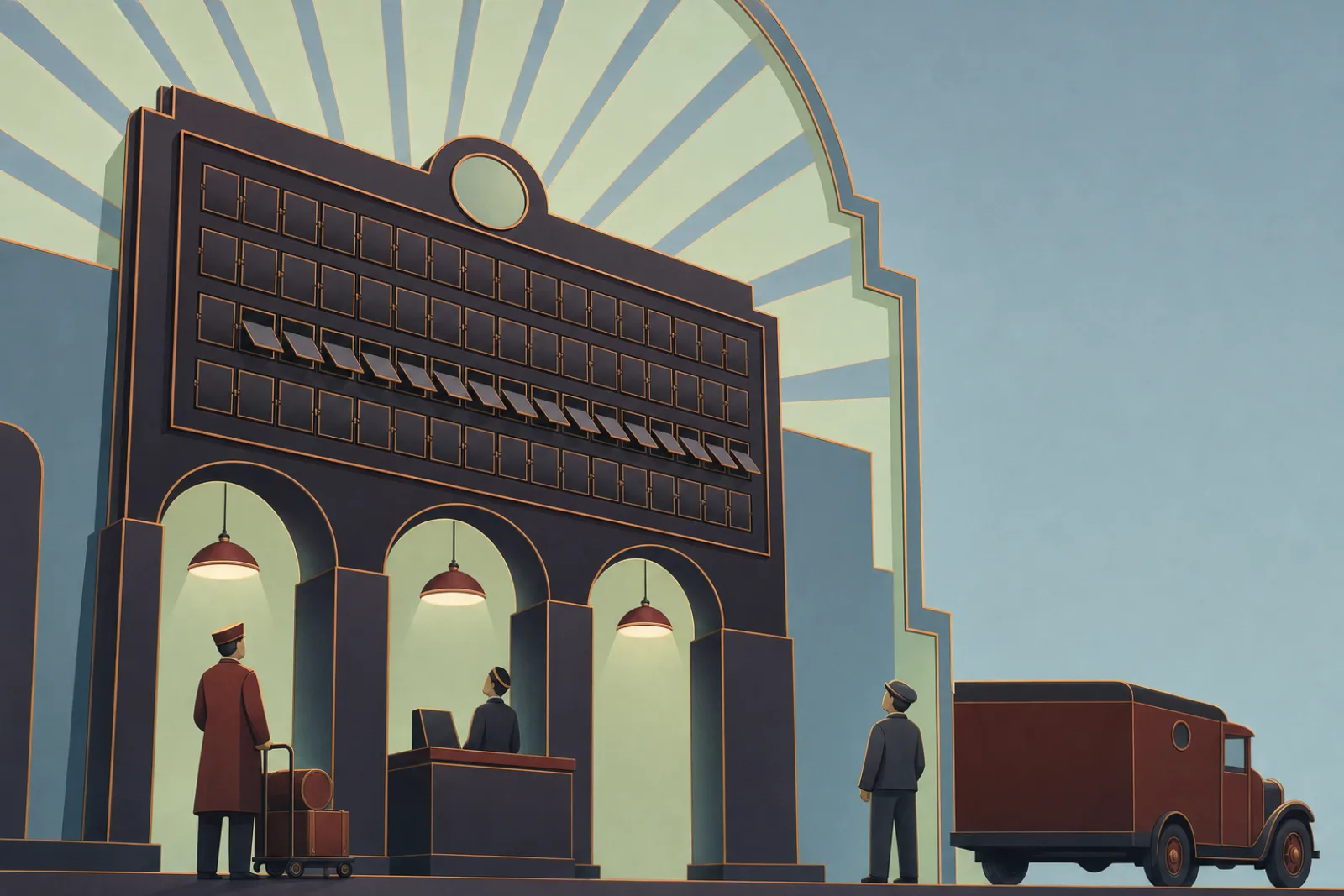
A tall departure board mid-flip while three platform crews look up at it

Ways to start

Trace one order

We follow one real order through every app it touches and draw every hand-off, including the places people retype.

First agreed plug

One busy link redesigned as an agreed plug, built with one team.

Fix one failed hand-off

We follow one failed hand-off end to end, then add a waiting shelf and a watched lost-and-found shelf to that link.

Ask us to trace one order

How we work

Trace, agree, connect: one line at a time

The film’s last stop in more detail: trace, agree, connect, with listening first and your team running it after.

  1. Listen

    Listen to the people who retype

    We talk to the people who retype, chase and fix mix-ups, and pick one journey that hurts, such as an order from shop to doorstep.

  2. Trace

    Trace the journey

    We draw every app, link and hand-off on that journey, and mark where details are copied, lost or doubled.

  3. Agree

    Agree the plugs and the board

    We agree the plugs, the announcements and the shared way of writing details for that journey with you, and who owns each.

  4. Connect

    Connect one line, then the next

    We build that journey end to end with one team, with tracing and the shelves in from the start, then move the next links over one at a time while the old ones keep running.

  5. Your team runs it

    Your team runs the junction

    Your people own the list of plugs and announcements, the agreements and the check-ups, with templates and training. We can stay on to help with the next line if you prefer.

What you get along the way

  • A map of the traced journey, with every hand-off and retype marked
  • The agreed plugs and announcements for that journey, written down
  • A written, shared way of writing common details
  • The connected journey, with a label to trace each order
  • A lost-and-found shelf with a named owner
  • Templates and a check-up routine your team can run
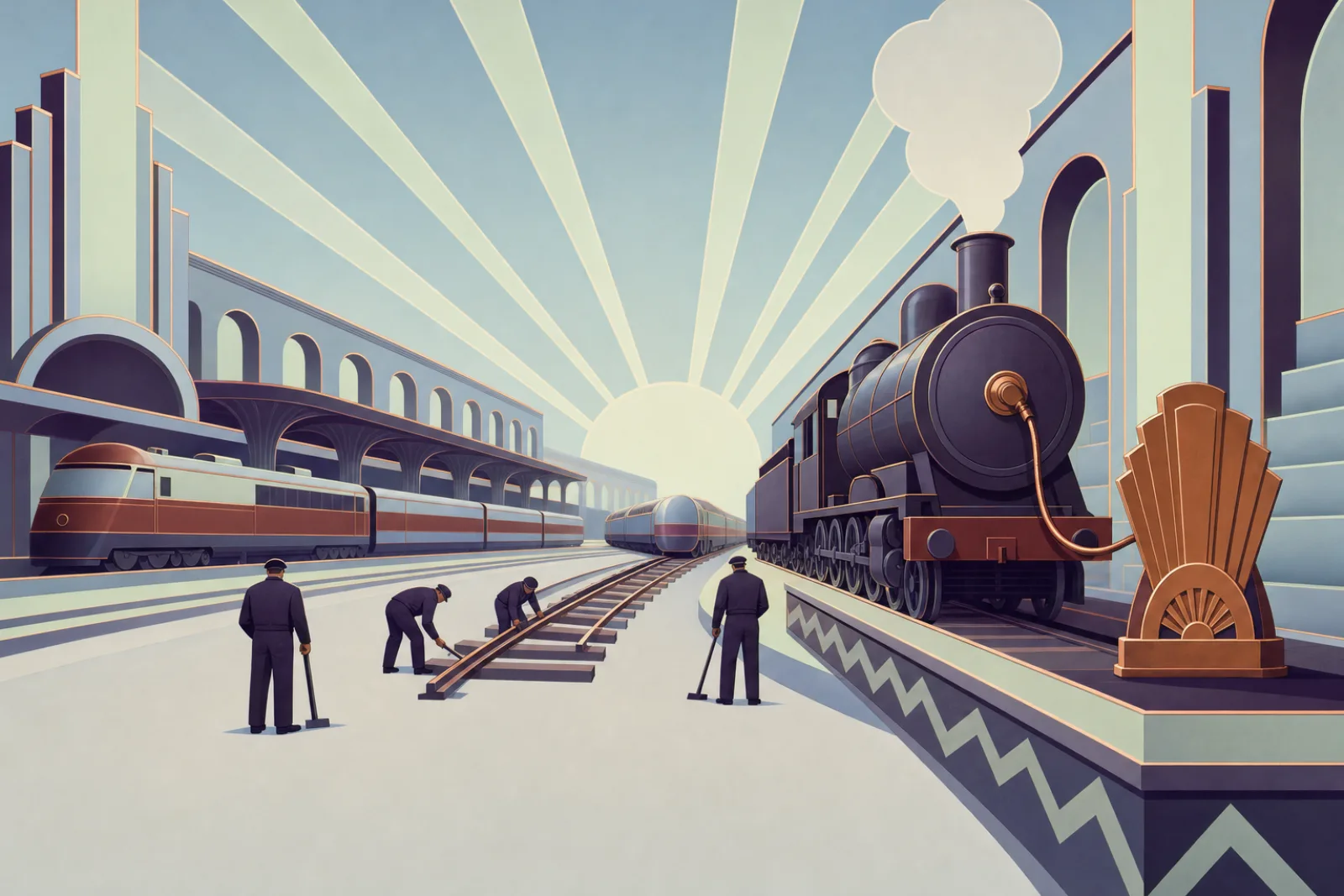
A track crew laying one new rail between two platforms while an old steam engine, now plugged in, keeps running

Where it fits

Where it becomes real

Illustrative examples, not customer stories: the kind of work this approach suits.

Retail and e-commerce
For example, a new order could be announced once and picked up by the stockroom, invoicing and the customer email, instead of being typed into each.
Financial services
For example, payment messages could be written in the agreed industry format, with repeats spotted so a retry does not pay twice.
Healthcare
For example, a referral sent from a clinic could reach the hospital in a form its system reads, with dates, names and doses meaning the same on both sides.
Logistics
For example, each new carrier could join through one agreed partner door instead of emailed spreadsheets.
Software companies
For example, a public plug with versions could let customers move to a new version in their own time.
Public sector
For example, departments could share a record through agreed plugs while each runs its own system.

Good to know

Questions we are often asked

Plain answers to what owners and tech leads ask first. Something else on your mind?

Ask us directly

What is integration, in plain words?

Getting your separate work apps to pass details to each other by themselves, in a way each one understands, so people can stop copying them from screen to screen.

What is the difference between integration and interoperability?

Integration is connecting the systems. Interoperability is them understanding each other once connected: the details arrive, can be read, and mean the same thing on both sides.

What is an API, and what does “event-driven” mean?

An API is an app’s plug: every app gets the same kind, one agreed, written way to ask it for things, and what it answers. Event-driven means an app announces “this happened” once, and every app that cares reacts, instead of all of them asking again and again.

Do we have to replace our old systems?

Often not. We can put an agreed plug in front of many of them so they keep working while the rest connect, and move pieces over one at a time if and when that makes sense. Many old systems can be given a proper connection without replacing them; some need changes first, and we say which after we look.

Do we need to buy a big integration platform first?

No. We start from the tools you already have and the connections that hurt most. A new platform comes in only where it helps.

Won’t one central hub become a bottleneck?

It can, and the shared board is a central piece too. The difference is that the board only carries the news: each team keeps its own app and its own decisions, so changes don’t wait on one central team. The board still needs an owner and a plan for when it is busy or down.

What happens when news gets lost or sent twice?

News waits when an app is away, failed hand-offs are tried again gently, items that can’t be delivered go to a shelf someone watches, repeats are acted on once, and each journey carries a label you can follow. These catch many problems, not all of them.

How will we know it’s working?

We agree a few plain measures with you at the start, for example how many hand-offs are still typed in by hand, how often news lands on the lost-and-found shelf, and how long a change in one app takes to reach the others. You keep the numbers and see how they move, so you can judge for yourself whether it’s helping; we don’t promise targets for them.

Heard it before?

Myths, answered

Myth: “We just need to buy one tool to join it all up.”

Answer: Someone still decides who announces what, who listens, and what “order” or “paid” means. The tool is the tracks, not the timetable.

Myth: “We have to replace our old systems first.”

Answer: Often not: many old apps can get the same kind of plug and keep running, like the creaky stockroom train in our story. Many old systems can be given a proper connection without replacing them; some need changes first, and we say which after we look.

Myth: “If the details arrive, the systems understand each other.”

Answer: Arriving, being read and meaning the same thing are three different checks. A converter changes how details are written, not the facts. If details are wrong at the start, they arrive wrong, so we check them at the source too.

Myth: “One big central system will fix it.”

Answer: It can become the new bottleneck: one central team everyone waits on. A shared board is a central piece too, but it only carries the news; each team keeps its own app and its own decisions. The board still needs an owner and a plan for when it is busy or down.

Myth: “Announcements make everything simple.”

Answer: They make adding a listener simple. Announcements make it easy to add listeners and harder to follow one order from start to end, so we add a way to trace each one.

Myth: “Once it’s connected, it’s done.”

Answer: Apps, partners and rules change, so plugs need an owner, versions and a regular check-up. We connect one link at a time, starting with the ones that hurt most. It’s steady work, not a switch you flip.